

Model tiers
The Standard tier is selected by default when you set up your assistant.
Changing your model
- Go to the Settings page.
- Find the Model section.
- Select a tier (Light, Standard, or Pro).
- If the tier has multiple models (Standard and Pro do), choose your preferred model.
- Click Apply.
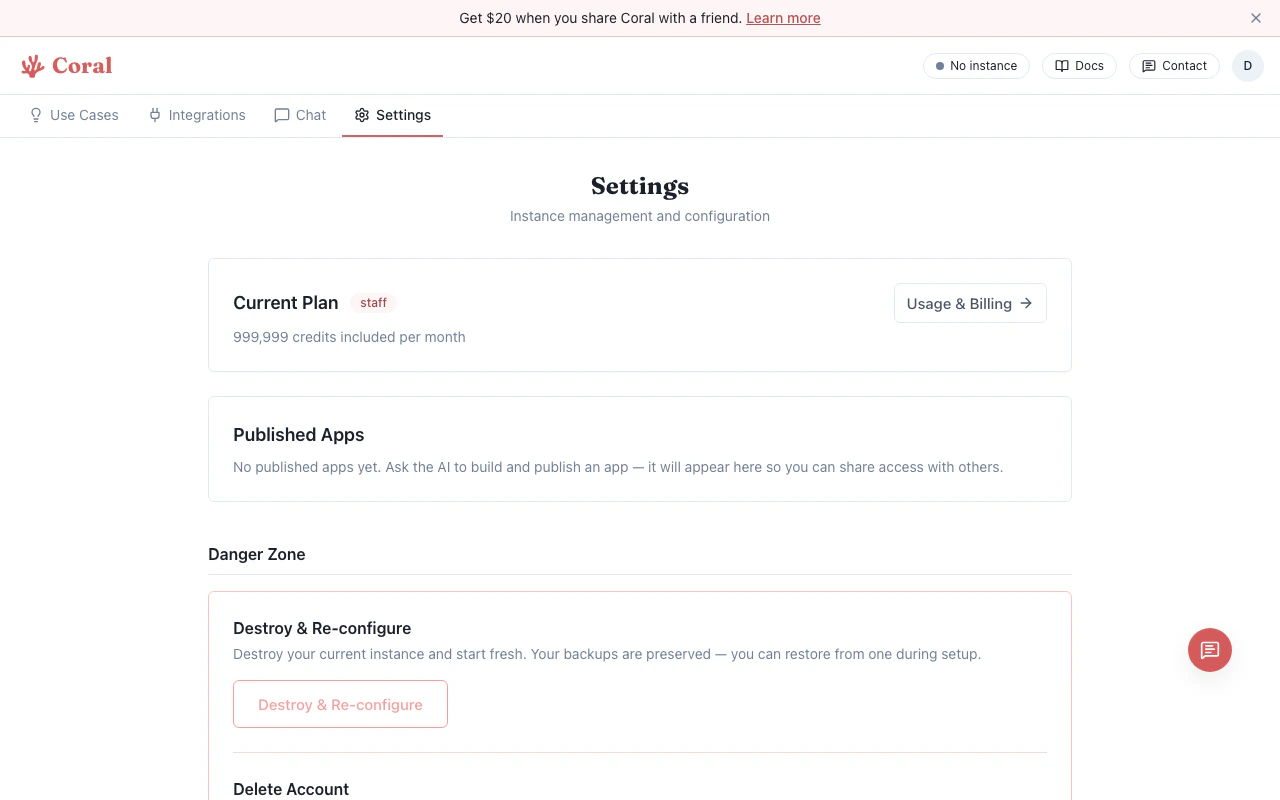
Settings page with Model selection
How tiers affect credits
Each AI model request costs credits based on the model and token count:- Light tier models use the fewest credits per request.
- Standard tier models use a moderate amount.
- Pro tier models use the most credits per request.
If you configured your own API keys during onboarding (BYOK), model requests are billed directly by your AI provider — Coral credits are not consumed unless you have Coral fallback enabled.