

Opening the remote desktop
There are two ways to access the remote desktop:From Settings
- Go to the Settings page in your Coral dashboard.
- Scroll to the Tools & Access section.
- Click “Open Remote Desktop”.
From the Chat page
The Computer Panel on the chat page includes a Desktop tab that shows a live VNC view of your sandbox. This lets you watch your assistant’s desktop activity while chatting — useful for monitoring browser automation or visual tasks. See Chat — Computer Panel for details.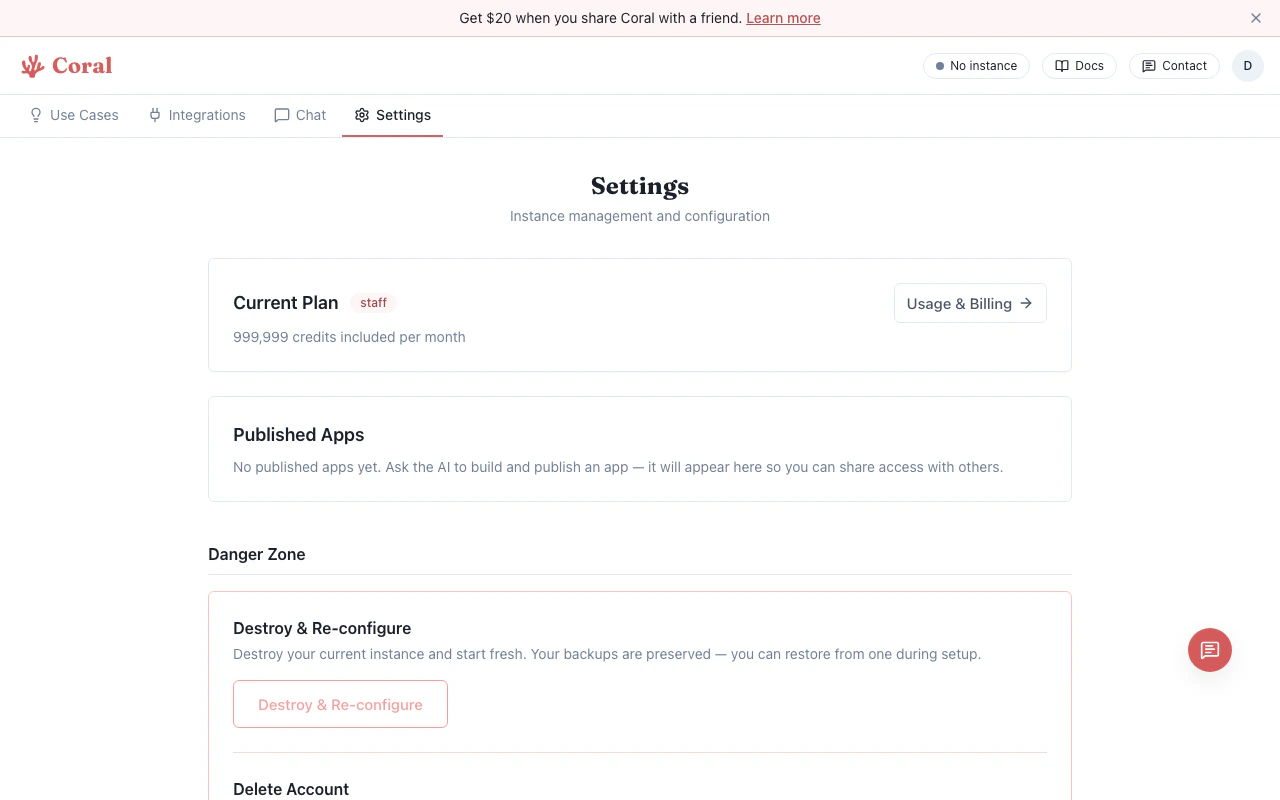
Settings page with Remote Desktop access
The button checks availability first. If VNC is not running in your sandbox, the button will be disabled.
Connection details
- The desktop connects over a secure WebSocket through the Coral proxy — your sandbox credentials never reach the browser.
- Sessions use a time-limited ticket (30-minute TTL).
- If the connection drops, close the tab and re-open from the Settings page.
When to use the remote desktop
Most users won’t need the remote desktop for day-to-day use. It’s primarily useful for:- Watching your assistant perform browser-based tasks in real-time (via the Chat Computer Panel)
- Running browser-based tools or automation (e.g., Puppeteer with a visible browser)
- Debugging graphical applications
- Any task that requires visual interaction beyond the terminal