

Messaging
Discord
Add your assistant as a Discord bot in your server.
Chat with your assistant through WhatsApp.
Slack
Connect your assistant to a Slack workspace.
Telegram
Use your assistant via Telegram.
App Integrations
Coral integrates with 500+ apps, giving your assistant the ability to read and write data across your favorite tools.Google Suite
Gmail, Calendar, Docs, Sheets, Slides, Drive, Tasks, Maps, Analytics, Meet.
Microsoft Suite
Teams, Outlook, OneDrive, SharePoint, Excel.
Developer & PM
GitHub, GitLab, Bitbucket, Asana, Linear, Trello, ClickUp, Confluence, Sentry.
CRM & Sales
HubSpot, Salesforce, Attio, Intercom, Zendesk.
Productivity
Notion, Airtable, Zoom, Dropbox, Figma, Slack, Monday, Todoist, Calendly, Miro, Canva.
Finance & Commerce
Stripe, Square, QuickBooks, Xero, FreshBooks.
Setting up an integration
- Go to the Integrations page in your Coral dashboard.
- Find the platform you want to connect.
- Click “Connect” to expand the setup panel.
- Follow the platform-specific instructions.
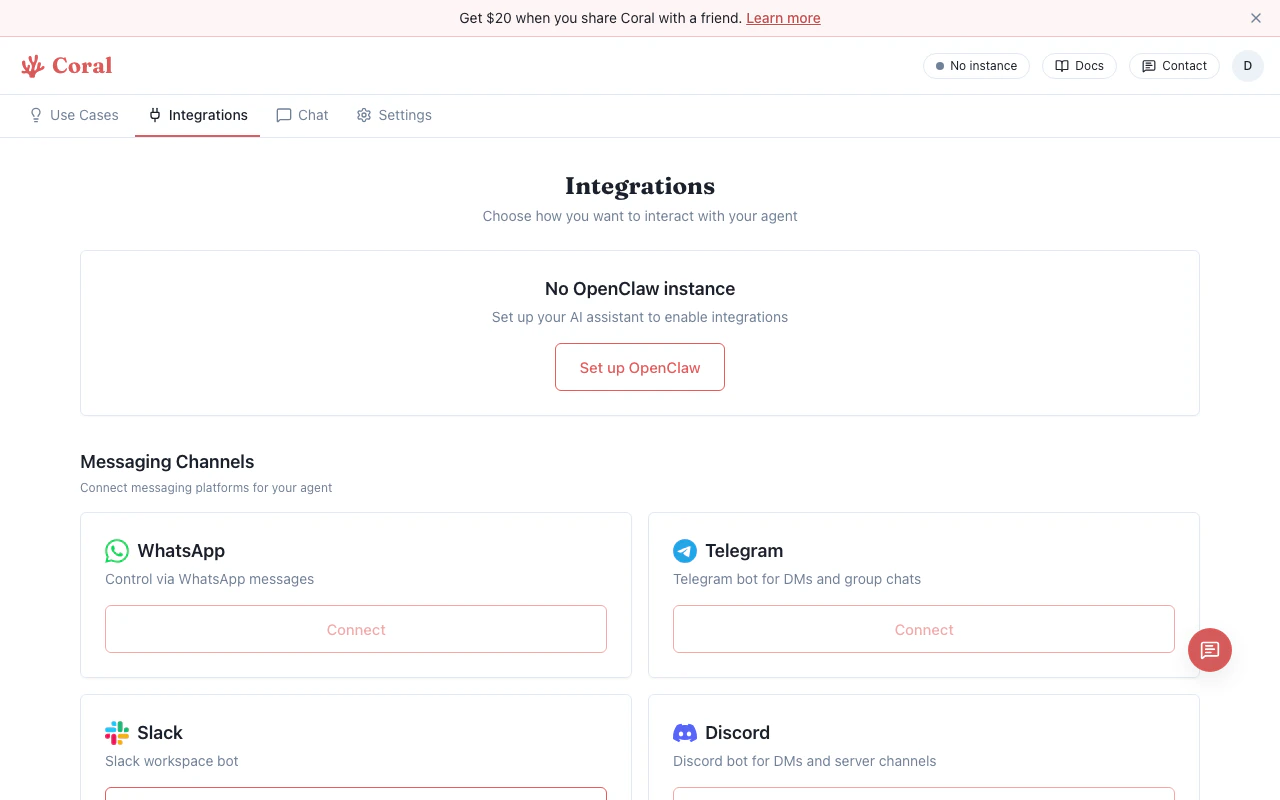
Integrations page
- Sandbox-native (Discord, WhatsApp, Telegram) — Create a bot on the platform, enter the API token in Coral. Credentials are stored in your sandbox and never leave your isolated environment.
- OAuth (Slack, Google Workspace) — Click “Connect”, sign in with your account, and authorize access. Tokens are managed by Coral.
- Third-party (App integrations) — Connect through the authorization flow to link apps like GitHub, Jira, Linear, Notion, Stripe, and more.
Sandbox-native integration credentials are stored securely in your sandbox and never leave your isolated environment. OAuth-based integrations store encrypted tokens on Coral’s servers to enable proxy access.
Managing integrations
Once connected, each integration card shows its status:- Connected — The integration is active and your assistant is reachable on that platform.
- Disconnected — The integration was configured but is not currently active (e.g., the bot was removed from the server).