

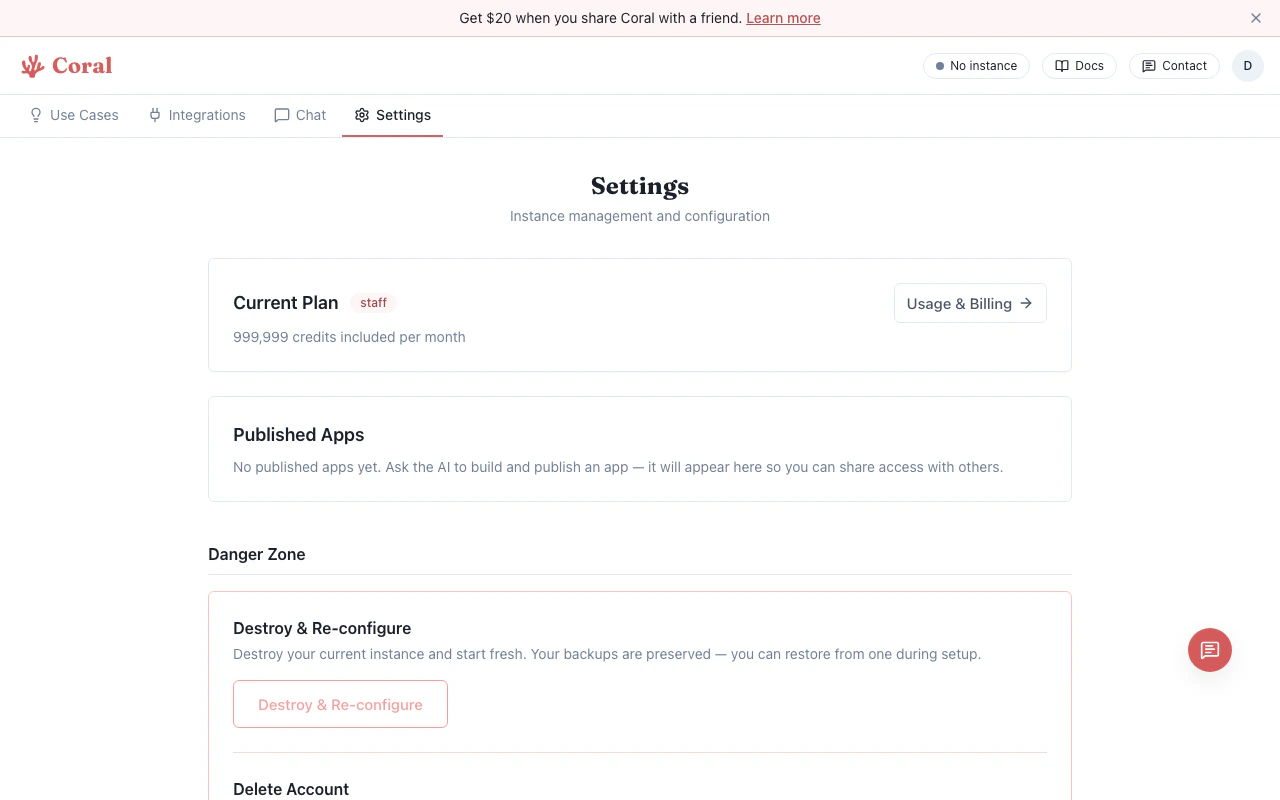
Settings page with Environment Variables
Adding a variable
- Go to the Settings page.
- Scroll to the Environment Variables section.
- Click “Add Variable”.
- Enter the key name in
UPPER_SNAKE_CASE(e.g.,BRAVE_API_KEY). - Enter the value in the password field.
- Click Save.
Editing and deleting
- Click on an existing variable’s value field to edit it.
- Click the trash icon on any row to remove it.
- Click Save to apply all changes at once.
Redacted values
Existing secrets appear as masked placeholders (••••••••) for security. The actual value is stored in your sandbox config. If you need to change a value, clear the field and enter the new one. If you leave a redacted value unchanged, the original secret is preserved.
Gateway restart
When you save environment variable changes, the OpenClaw gateway restarts automatically to pick up the new values. This is typically instant.Common environment variables
These are frequently used by skills and use case workflows:Relationship to skills
Many skills check for specific environment variables. When a skill shows “Needs Setup” on the Integrations page, you can set the required key either:- Inline on the skill card — Fastest for a single key
- Here in Environment Variables — Better for managing multiple keys at once