> ## Documentation Index
> Fetch the complete documentation index at: https://docs.coral.inc/llms.txt
> Use this file to discover all available pages before exploring further.
# Remote Desktop
> Access a graphical desktop in your sandbox via VNC
The remote desktop gives you graphical desktop access to your sandbox — right in your browser. It uses VNC through the noVNC HTML5 client, so no additional software is needed.
## Opening the remote desktop
There are two ways to access the remote desktop:
### From Settings
1. Go to the **Settings** page in your Coral dashboard.
2. Scroll to the **Tools & Access** section.
3. Click **"Open Remote Desktop"**.
A new browser tab opens with a full desktop environment running inside your sandbox.
### From the Chat page
The **Computer Panel** on the chat page includes a **Desktop** tab that shows a live VNC view of your sandbox. This lets you watch your assistant's desktop activity while chatting — useful for monitoring browser automation or visual tasks. See [Chat — Computer Panel](/features/chat#computer-panel) for details.
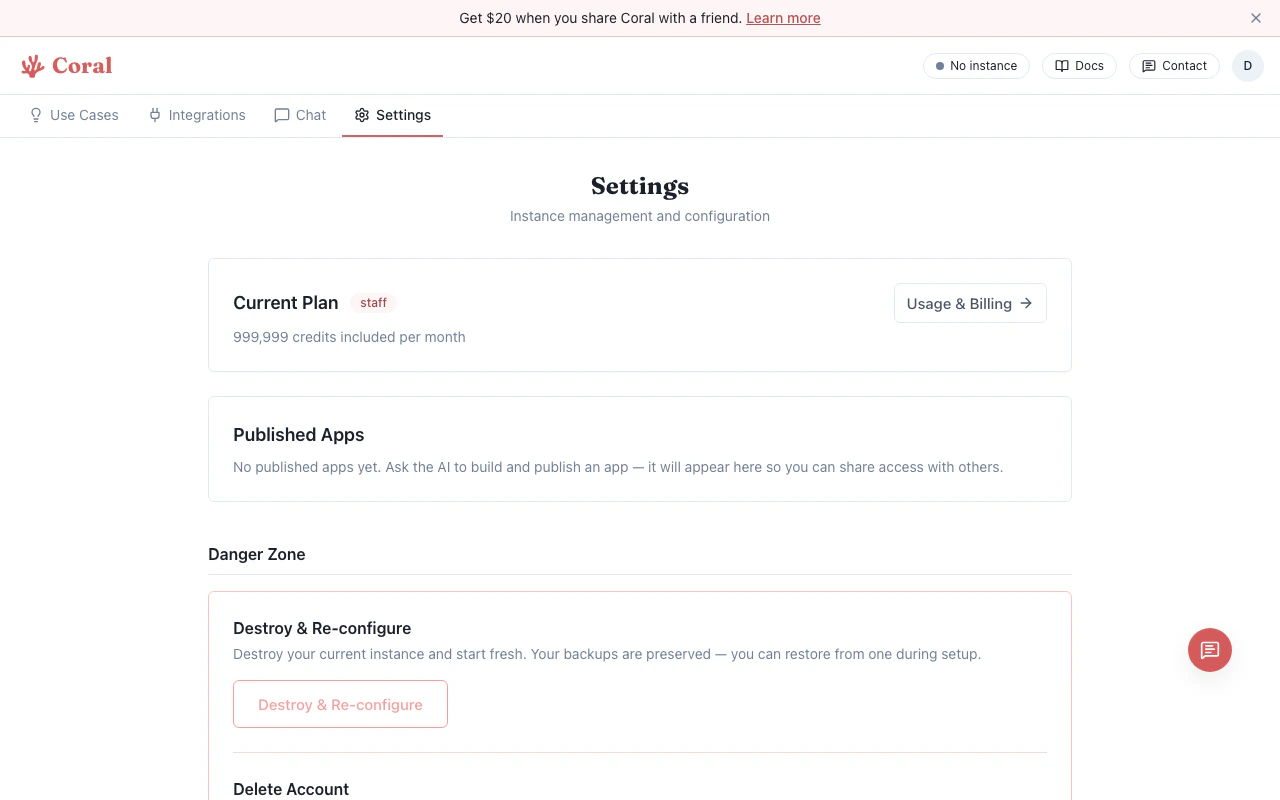 The button checks availability first. If VNC is not running in your sandbox, the button will be disabled.
## Connection details
* The desktop connects over a secure WebSocket through the Coral proxy — your sandbox credentials never reach the browser.
* Sessions use a time-limited ticket (30-minute TTL).
* If the connection drops, close the tab and re-open from the Settings page.
## When to use the remote desktop
Most users won't need the remote desktop for day-to-day use. It's primarily useful for:
* Watching your assistant perform browser-based tasks in real-time (via the Chat Computer Panel)
* Running browser-based tools or automation (e.g., Puppeteer with a visible browser)
* Debugging graphical applications
* Any task that requires visual interaction beyond the [terminal](/features/terminal)
The button checks availability first. If VNC is not running in your sandbox, the button will be disabled.
## Connection details
* The desktop connects over a secure WebSocket through the Coral proxy — your sandbox credentials never reach the browser.
* Sessions use a time-limited ticket (30-minute TTL).
* If the connection drops, close the tab and re-open from the Settings page.
## When to use the remote desktop
Most users won't need the remote desktop for day-to-day use. It's primarily useful for:
* Watching your assistant perform browser-based tasks in real-time (via the Chat Computer Panel)
* Running browser-based tools or automation (e.g., Puppeteer with a visible browser)
* Debugging graphical applications
* Any task that requires visual interaction beyond the [terminal](/features/terminal)