> ## Documentation Index
> Fetch the complete documentation index at: https://docs.coral.inc/llms.txt
> Use this file to discover all available pages before exploring further.
# Models
> Choose the AI model tier for your assistant
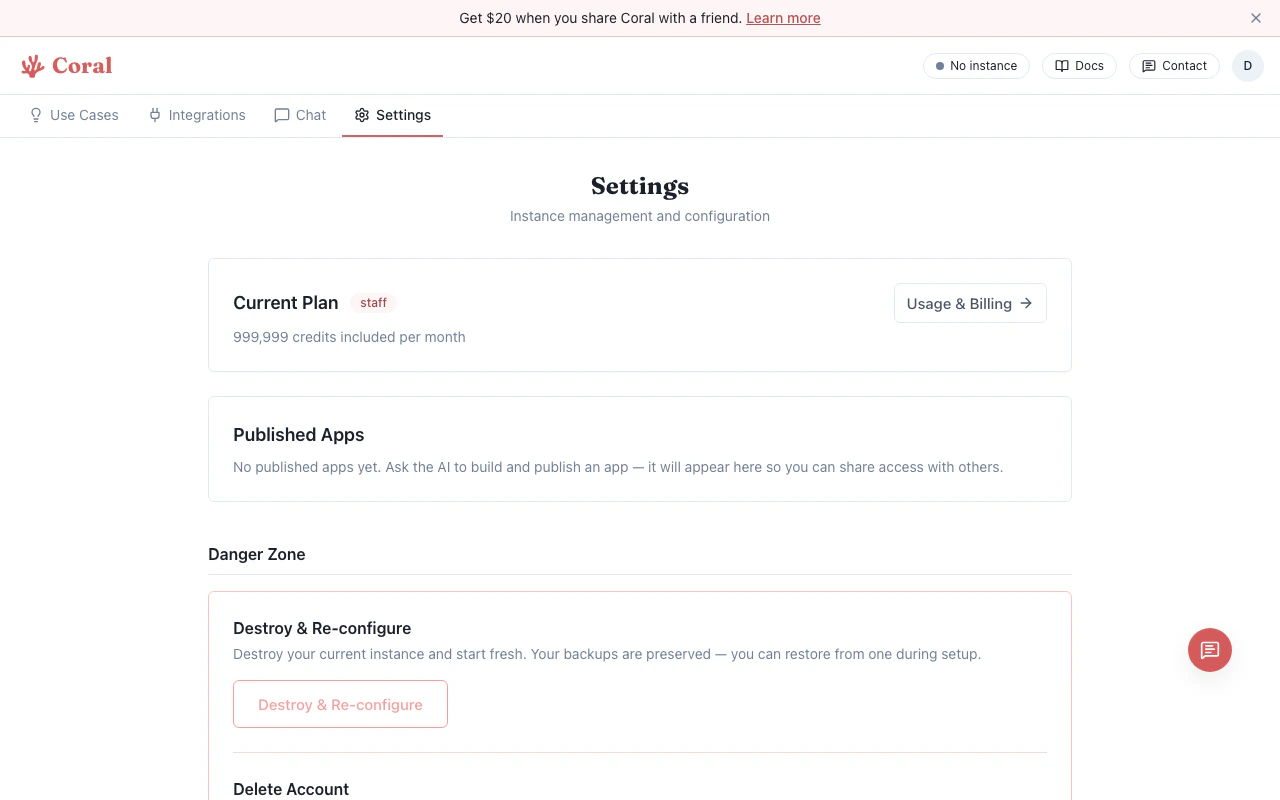
Coral offers three model tiers that control which AI model powers your assistant. You can switch tiers at any time from the Settings page.
## Model tiers
| Tier | Default Model | Alternative | Best for |
| ------------ | ----------------- | -------------- | --------------------------------- |
| **Light** | Gemini 3 Flash | — | Fast, cost-effective tasks |
| **Standard** | Claude Sonnet 4.6 | — | Balanced everyday use |
| **Pro** | Claude Opus 4.6 | Gemini 3.1 Pro | Complex reasoning, advanced tasks |
The **Standard** tier is selected by default when you set up your assistant.
Use the Light tier for simple tasks to conserve credits. Switch to Pro when you need the most capable reasoning for complex analysis, coding, or multi-step workflows.
## Changing your model
1. Go to the **Settings** page.
2. Find the **Model** section.
3. Select a tier (Light, Standard, or Pro).
4. If the tier has multiple models (Standard and Pro do), choose your preferred model.
5. Click **Apply**.
The change takes effect immediately — no restart required.
 ## How tiers affect credits
Each AI model request costs credits based on the model and token count:
* **Light** tier models use the fewest credits per request.
* **Standard** tier models use a moderate amount.
* **Pro** tier models use the most credits per request.
Your credit usage is tracked on the Settings page under **Usage & Billing**. Individual message costs are also shown inline in the chat. See [Billing & Credits](/getting-started/billing) for plan details and pricing.
If you configured your own API keys during onboarding (BYOK), model requests are billed directly by your AI provider — Coral credits are not consumed unless you have [Coral fallback](/features/bring-your-own-key#coral-fallback) enabled.
## How tiers affect credits
Each AI model request costs credits based on the model and token count:
* **Light** tier models use the fewest credits per request.
* **Standard** tier models use a moderate amount.
* **Pro** tier models use the most credits per request.
Your credit usage is tracked on the Settings page under **Usage & Billing**. Individual message costs are also shown inline in the chat. See [Billing & Credits](/getting-started/billing) for plan details and pricing.
If you configured your own API keys during onboarding (BYOK), model requests are billed directly by your AI provider — Coral credits are not consumed unless you have [Coral fallback](/features/bring-your-own-key#coral-fallback) enabled.