> ## Documentation Index
> Fetch the complete documentation index at: https://docs.coral.inc/llms.txt
> Use this file to discover all available pages before exploring further.
# Environment Variables
> Configure key-value environment variables for your assistant and skills
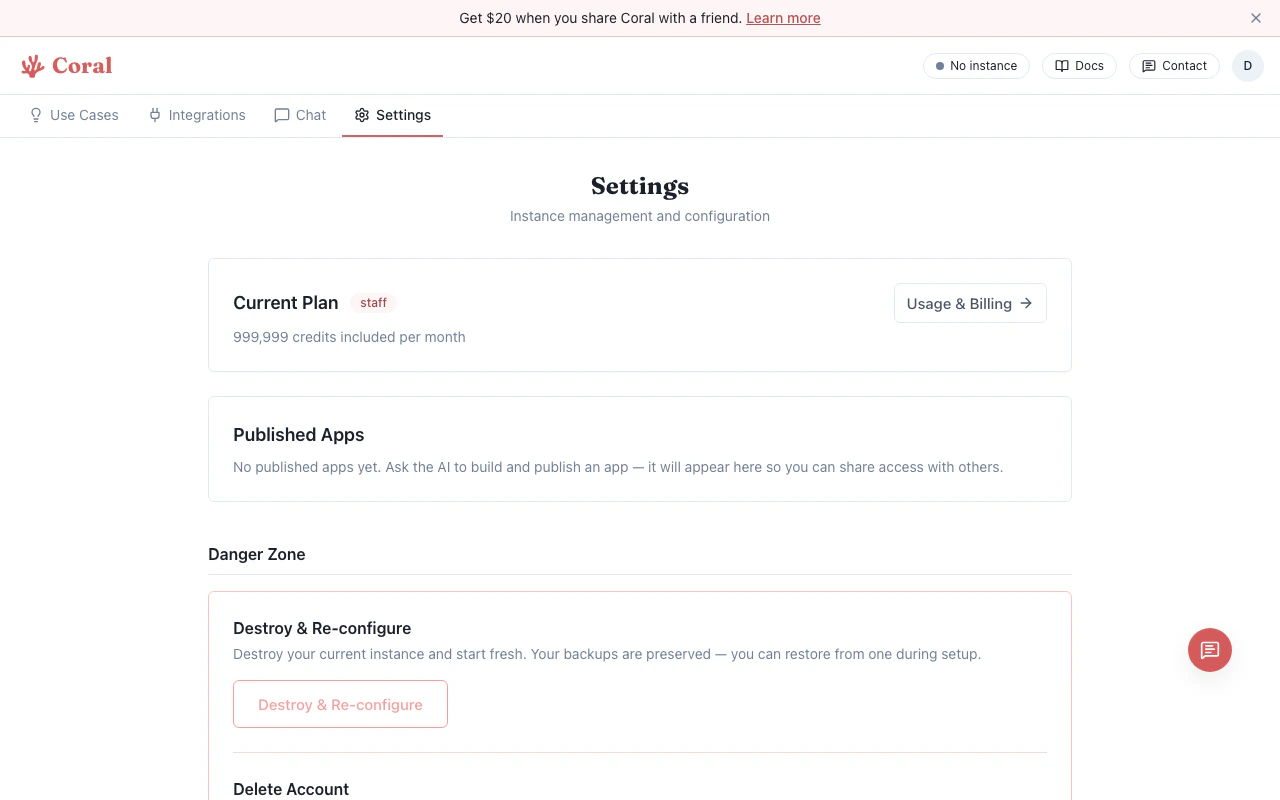
Environment variables let you pass configuration values and API keys to your OpenClaw instance and its skills. They're managed from the **Settings** page.
 ## Adding a variable
1. Go to the **Settings** page.
2. Scroll to the **Environment Variables** section.
3. Click **"Add Variable"**.
4. Enter the key name in `UPPER_SNAKE_CASE` (e.g., `BRAVE_API_KEY`).
5. Enter the value in the password field.
6. Click **Save**.
Key names must contain only uppercase letters, digits, and underscores, and must start with a letter or underscore.
## Editing and deleting
* Click on an existing variable's value field to edit it.
* Click the **trash icon** on any row to remove it.
* Click **Save** to apply all changes at once.
## Redacted values
Existing secrets appear as masked placeholders (`••••••••`) for security. The actual value is stored in your sandbox config. If you need to change a value, clear the field and enter the new one. If you leave a redacted value unchanged, the original secret is preserved.
## Gateway restart
When you save environment variable changes, the OpenClaw gateway restarts automatically to pick up the new values. This is typically instant.
If you have an active chat session, the WebSocket will briefly reconnect after the restart. This is expected.
## Common environment variables
These are frequently used by skills and use case workflows:
| Variable | Used by | Purpose |
| ------------------- | ---------------------- | ------------------------------------- |
| `BRAVE_API_KEY` | Brave Search skill | Web search capability |
| `OPENAI_API_KEY` | Whisper, DALL-E skills | Audio transcription, image generation |
| `NOTION_API_KEY` | Notion skill | Read/write Notion pages and databases |
| `TODOIST_API_TOKEN` | Todoist workflows | Task management integration |
## Relationship to skills
Many [skills](/features/skills) check for specific environment variables. When a skill shows "Needs Setup" on the Integrations page, you can set the required key either:
* **Inline on the skill card** — Fastest for a single key
* **Here in Environment Variables** — Better for managing multiple keys at once
Both approaches store the key in the same place — your sandbox's OpenClaw config.
## Adding a variable
1. Go to the **Settings** page.
2. Scroll to the **Environment Variables** section.
3. Click **"Add Variable"**.
4. Enter the key name in `UPPER_SNAKE_CASE` (e.g., `BRAVE_API_KEY`).
5. Enter the value in the password field.
6. Click **Save**.
Key names must contain only uppercase letters, digits, and underscores, and must start with a letter or underscore.
## Editing and deleting
* Click on an existing variable's value field to edit it.
* Click the **trash icon** on any row to remove it.
* Click **Save** to apply all changes at once.
## Redacted values
Existing secrets appear as masked placeholders (`••••••••`) for security. The actual value is stored in your sandbox config. If you need to change a value, clear the field and enter the new one. If you leave a redacted value unchanged, the original secret is preserved.
## Gateway restart
When you save environment variable changes, the OpenClaw gateway restarts automatically to pick up the new values. This is typically instant.
If you have an active chat session, the WebSocket will briefly reconnect after the restart. This is expected.
## Common environment variables
These are frequently used by skills and use case workflows:
| Variable | Used by | Purpose |
| ------------------- | ---------------------- | ------------------------------------- |
| `BRAVE_API_KEY` | Brave Search skill | Web search capability |
| `OPENAI_API_KEY` | Whisper, DALL-E skills | Audio transcription, image generation |
| `NOTION_API_KEY` | Notion skill | Read/write Notion pages and databases |
| `TODOIST_API_TOKEN` | Todoist workflows | Task management integration |
## Relationship to skills
Many [skills](/features/skills) check for specific environment variables. When a skill shows "Needs Setup" on the Integrations page, you can set the required key either:
* **Inline on the skill card** — Fastest for a single key
* **Here in Environment Variables** — Better for managing multiple keys at once
Both approaches store the key in the same place — your sandbox's OpenClaw config.